Americans Are Keeping Their Phones Longer. Here’s How to Make Yours Last for Years
A longer replacement cycle means the best way to avoid an upgrade may be maintenance, not a new device. Battery care, security updates, repair decisions, and storage cleanup can add useful life to many phones.
By StoryBreak
Published September 13, 2026 at 5:05 PM
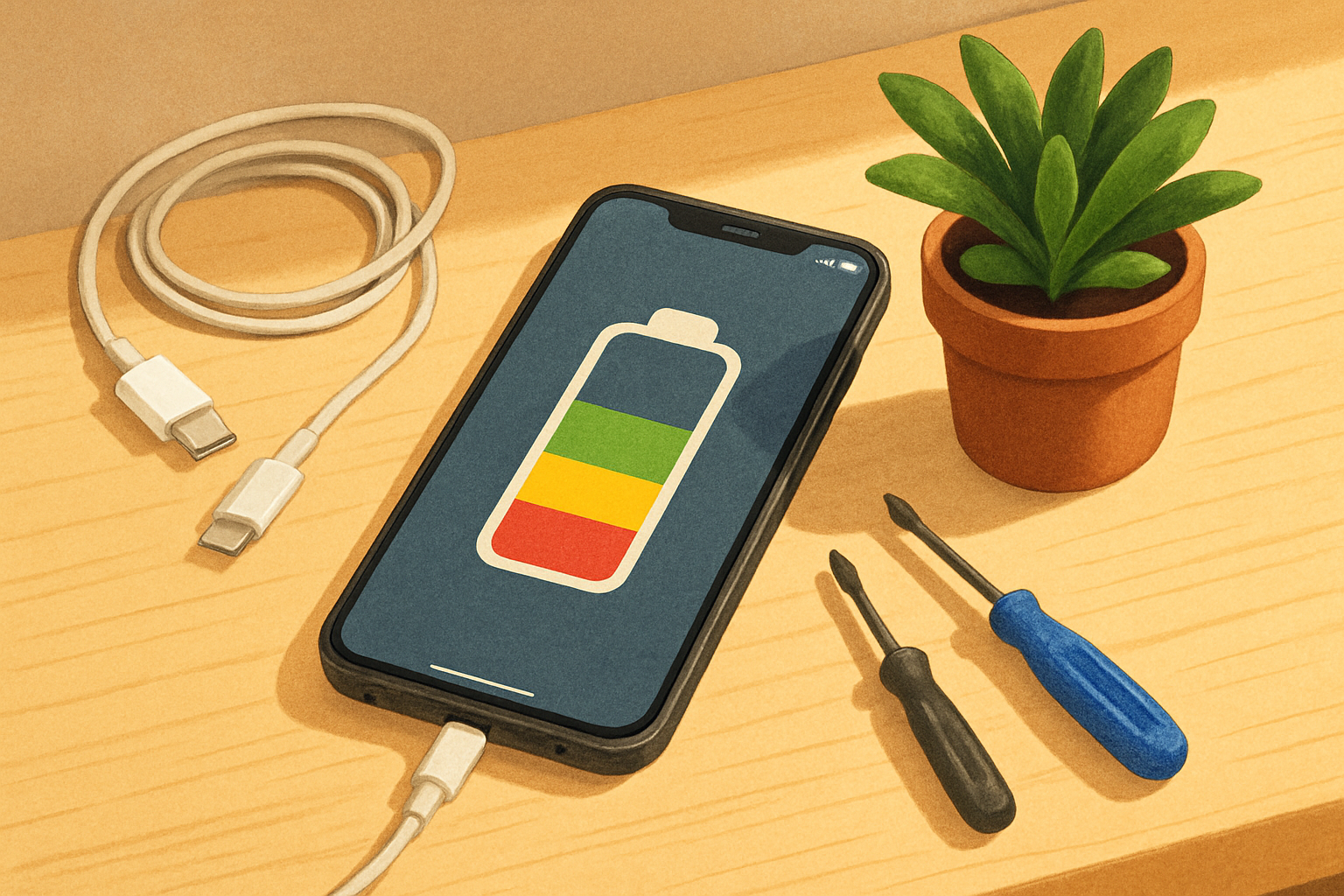
The newest phone is not always the smartest phone to buy—especially if the one in your hand still does the essentials well.
The global smartphone replacement cycle reached 43.4 months in 2023 and remained long at 43.0 months in 2024, according to Counterpoint Research. In a separate survey of Apple users in the United States, China, the United Kingdom and India, the firm found that non-Pro iPhone owners kept their phones for an average of 3.15 years, compared with 2.75 years for Pro users.
That shift changes the consumer question. Instead of asking, “Which phone should I buy next?” many people can first ask, “What is actually failing?”
Start with the battery—but don’t panic at the percentage
Batteries are consumable parts. Apple says iPhone 14 models and earlier are designed to retain 80% of their original capacity after 500 complete charge cycles under ideal conditions. For iPhone 15 models, the company cites 1,000 cycles. Real-world results vary with heat, charging habits and use.
A lower battery-health reading does not automatically mean the phone is finished. If the device is otherwise fast enough, receives security updates and has no serious physical damage, a battery replacement may be the most economical way to extend its life.
Apple recommends using Apple or an authorized provider for built-in battery service. Google similarly describes lithium-ion batteries as consumable components and advises replacement when capacity or runtime has significantly deteriorated.
Turn on the features designed to slow battery wear
On an iPhone, Optimized Battery Charging can pause charging at 80% and finish closer to the time the phone expects to be unplugged. On supported Pixel phones, Google offers Adaptive Charging and, on some models, an 80% charging limit.
These settings are most useful for people who regularly leave a phone plugged in for long periods. They are not commandments: if you need a full charge for travel or a long day, charge to 100%. The point is to avoid keeping a battery fully charged unnecessarily when the phone is sitting on a nightstand or desk.
Heat matters just as much. Keep the phone out of direct sun and avoid charging it under blankets or in other hot, poorly ventilated places. A phone that becomes unusually hot, develops a lifting screen or shows a swollen back should not be squeezed, opened or used casually. Stop charging it and seek professional advice.
Updates are part of a phone’s useful life
A phone that still runs smoothly but no longer receives security updates may be a poor long-term device. Install operating-system and security updates promptly, and keep automatic updates enabled when practical. Apple’s current security documentation shows that the company continues issuing security updates for multiple iPhone generations, including some older models that cannot run the newest major operating system.
On Android, update support varies by manufacturer and model. Check the maker’s official support page before deciding that a phone is “too old.” App compatibility, security support and available storage matter more than the launch date alone.
Fix the small problems before they become expensive ones
A failing charging cable or dirty port can look like a dead battery. Replace a worn cable with a reputable, compatible one and inspect the port carefully; do not force objects into it. Clear unused downloads, review apps consuming excessive background battery, and move photos or videos to a trusted cloud or computer backup if storage is nearly full.
Use a case and screen protector if they prevent the kind of damage that ends a phone’s useful life. But compare repair costs before authorizing work. A battery or screen repair may make sense; a costly repair involving the main board may not.
Know when upgrading is justified
An upgrade is easier to justify when the phone no longer receives security updates, cannot run essential apps, has unreliable cellular connectivity, suffers repeated crashes, or needs repairs approaching the price of a suitable replacement. A new camera or a faster processor can be a legitimate reason too—but it is a preference, not proof that the old phone is unusable.
When the time finally comes, back up your data, remove SIM or storage cards, unlink accounts and erase the device before selling, donating or recycling it. The Federal Trade Commission also advises recycling rather than throwing old electronics in household trash.
The practical takeaway is simple: treat a phone less like a seasonal accessory and more like a small appliance. Keep it cool, update it, replace the battery when appropriate, repair selectively—and upgrade when the device no longer meets a real need.
Sources & Further Reading
- Counterpoint Research
- Counterpoint Research
- Apple SupportPrimary source
- ApplePrimary source
- Apple SupportPrimary source
- Google SupportPrimary source
- Federal Trade CommissionPrimary source
StoryBreak
Independent digital news and reporting, updated throughout the day.
This article was researched and drafted with AI assistance and reviewed as part of StoryBreak's editorial process before publication. Read our editorial standards.